Slower, without the chipmunks. Lower, without the drag.
Speed and key are separate controls. Slow a song down and it stays in key; move it into another key and it stays at tempo. Both apply to every part at once, so the band stays together.
Web appAndroid appChrome extension
- Speed
- 0.5× to 2×, pitch kept
- Key
- Up to 12 semitones up or down
- Chords
- Renamed when you transpose
- Click
- Follows the new tempo
Slowing down
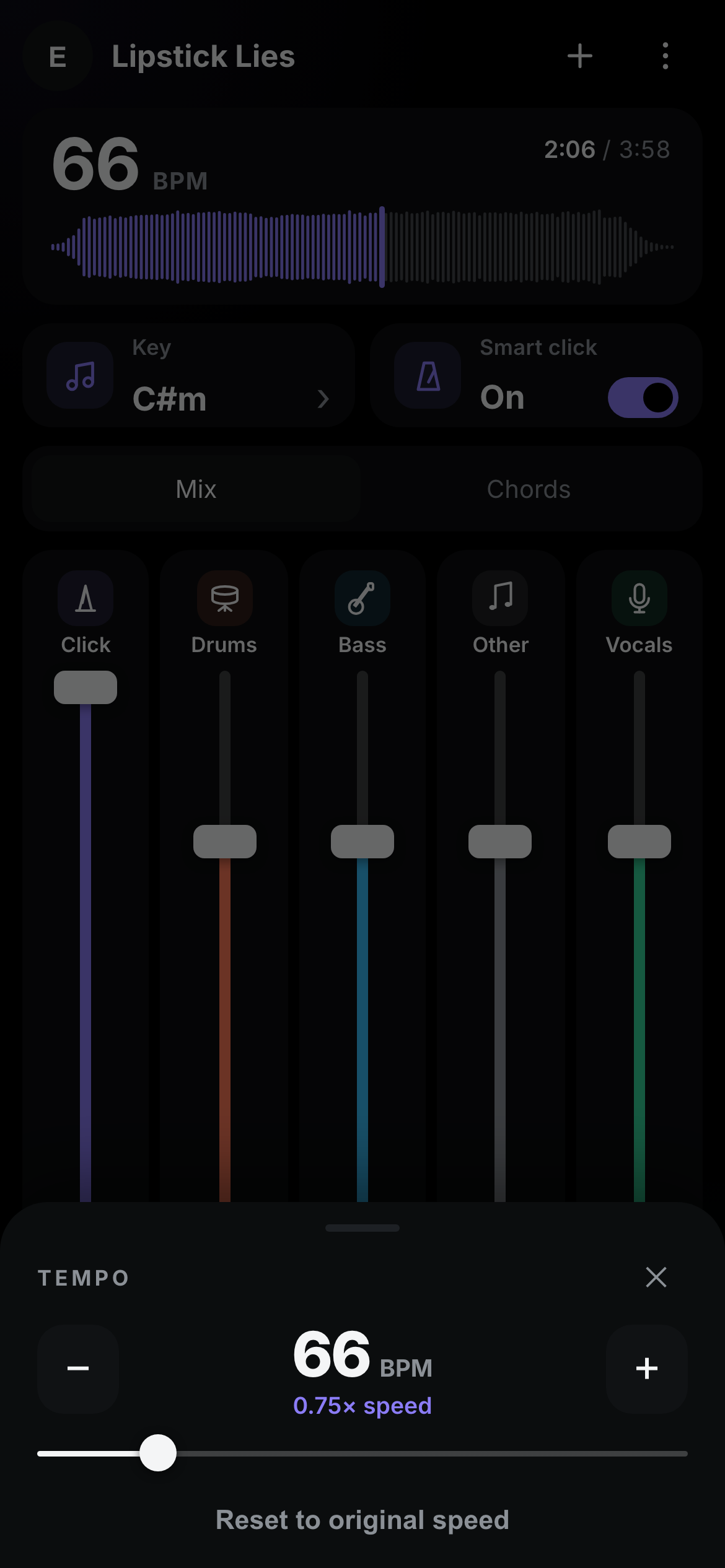
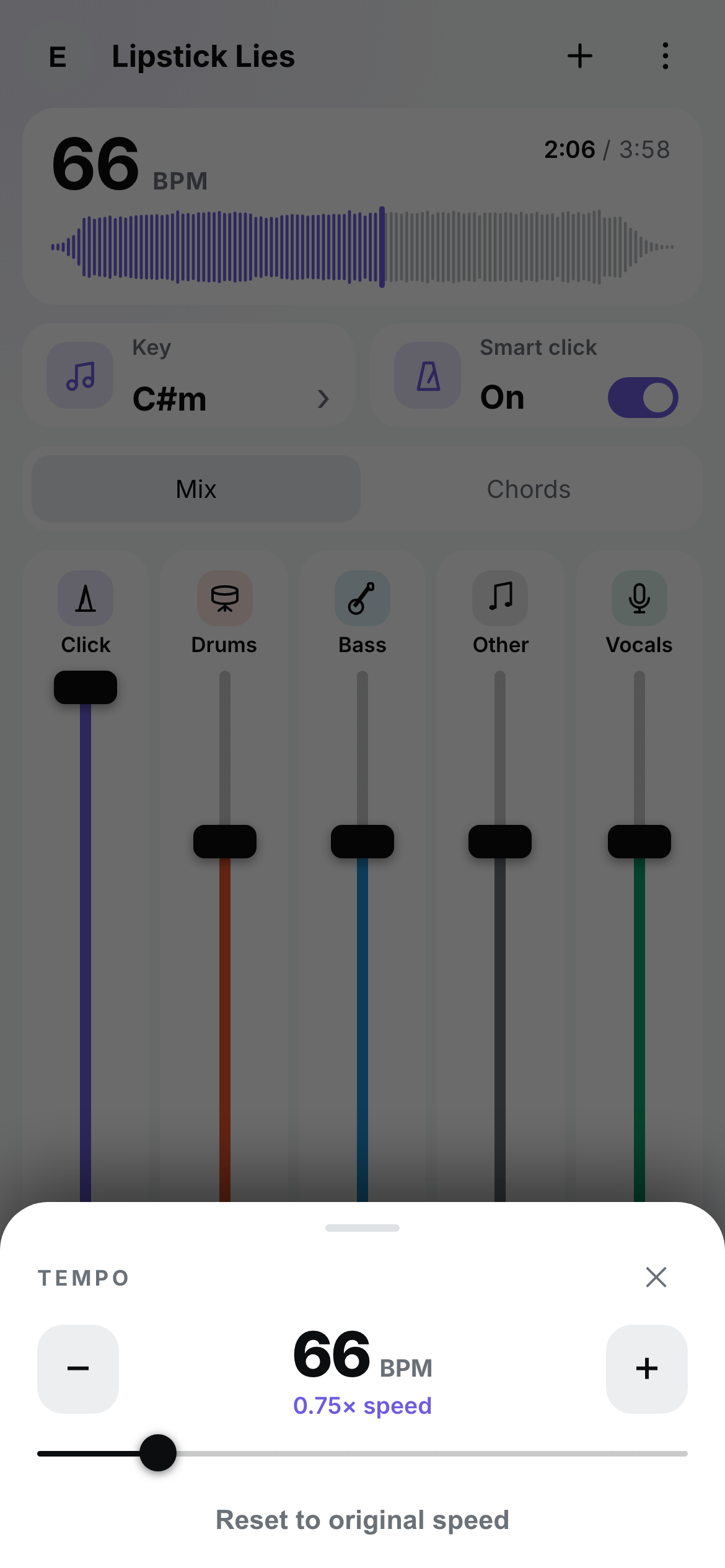
Open Tempo and step down a few BPM at a time, or drag the slider. The display shows both the BPM and the speed (0.75× speed, for example). Reset to original speed puts it back.
A good habit: find the speed where the hardest bar is clean, play it three times there, then go up a step.
Changing the key
Open Key and press minus or plus. Each step is a semitone, up to an octave either way. The key display names the new key and how far you moved from the original, and the chord chart is renamed to match.
In the Chrome extension
On YouTube and other sites the extension slows the video from 0.5× to 1.5× with the pitch kept, and moves the pitch ±12 semitones independently of speed.
More features
- Stem separationVocals, drums, bass and everything else, each on its own fader.
- LoopsRepeat the song in the app; loop any section A to B in the extension.
- Chords and keyA chord on every beat, bar by bar, and the song’s key.
- Smart click and beat gridA click on the song’s real beats, not a tempo that drifts away.
- Takes and video takesRecord yourself over the song. Film it with the chords on screen.
- Offline on AndroidYour saved songs play with no connection at all.
- Chrome extensionStems, speed, key, loops and a click right on YouTube.
- MetronomeA precise metronome with practice and poly modes, and setlists.