Every note of the bass line, on its own.
Bass is the part that disappears first on laptop speakers and phone headphones. soundleap gives it its own fader: solo it to learn the line note by note, then take it out and hold the low end yourself.
Bass players
What gets in the way
- You can’t hear the bass
- On small speakers the bass is mostly felt, not heard. Solo the bass part and turn it up.
- Fast runs blur
- Slow down to 0.5× without the notes dropping in pitch, which matters more on bass than anywhere else.
- Locking in with the kick
- Keep the drums, mute the bass, and play against the real kick drum with the click on the song’s own beat.
- Root notes from the chords
- The chord chart tells you where the harmony goes, beat by beat, when the line is hard to hear.
The tools that help
- Stem separation
Bass is one of the four parts soundleap separates, with its own fader.
- Speed and key
Half speed with the pitch kept; transpose a song to fit a 4-string’s range.
- Smart click and beat grid
The click follows the drummer’s real tempo, pushes and pulls included.
- Chords and key
Roots and changes per beat when the line moves fast.
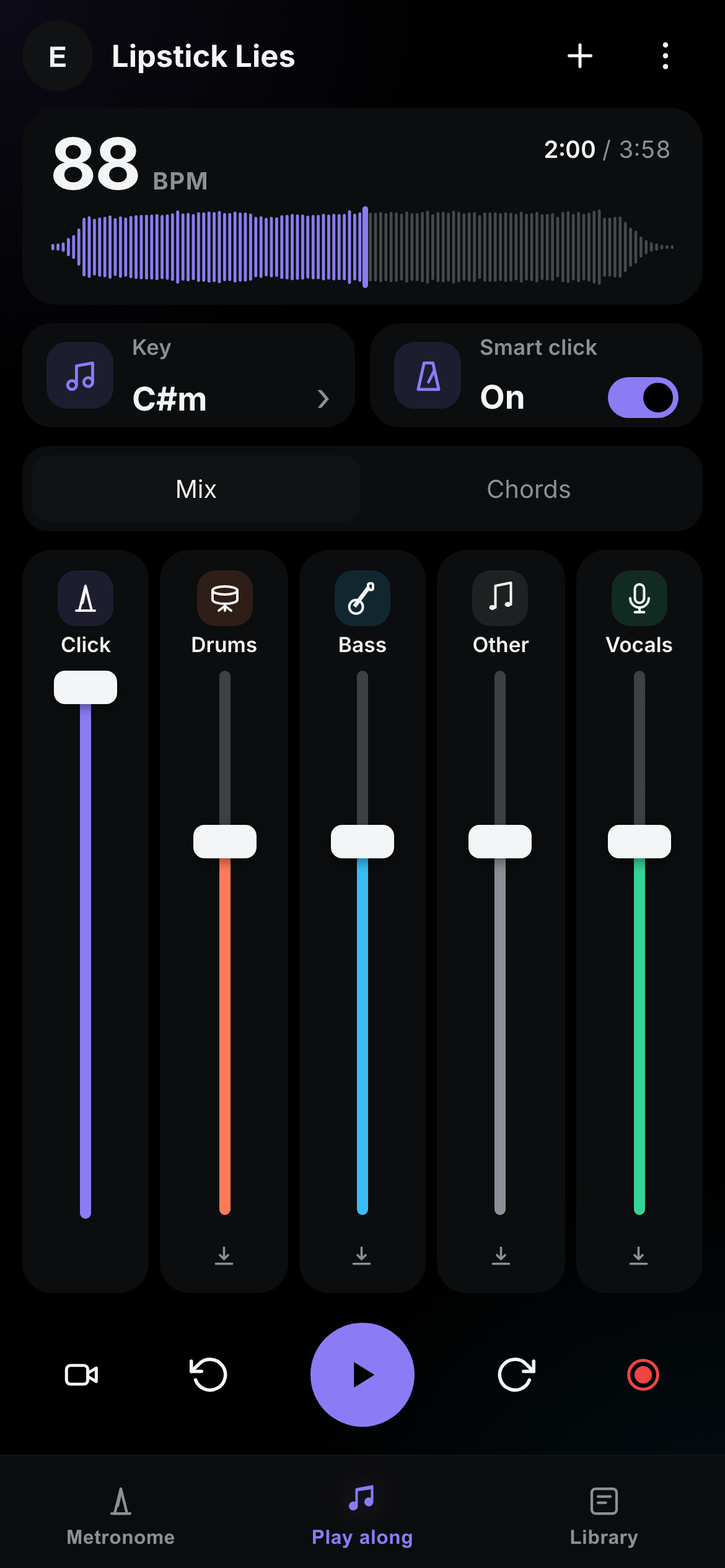
Practise a song like this
- 1
Load the song
Upload it in the app. Separation runs in the cloud, or on your Android phone if you switch that on.
- 2
Solo the bass
Press solo on Bass and listen through once with the chord chart open.
- 3
Learn it slowly
Drop the tempo until each note is clear. The key does not change.
- 4
Lock in with the drums
Mute the bass, keep drums up, turn Smart click on, and play the line yourself.
- 5
Record a take
Press record and play the part over the song, then listen back against the band.
Try it on a song you know.
Also for: guitarists, drummers, singers, pianists and keys players, teachers and students, bands and worship teams