Homework that sounds like the real song.
Students practise more when the backing is the song they actually want to play. soundleap turns a recording into a practice track: the student’s part muted, the tempo where they can manage it, and a click that keeps them honest.
Teachers and students
What gets in the way
- Practising alone is dull
- Playing along to the real band, with your own part taken out, is closer to the reason most students started.
- The tempo is out of reach
- Start the song at 0.7× with the pitch kept, and move it up as the student improves.
- Steady time
- Smart click follows the song; the metronome’s Practice mode raises the tempo step by step for exercises.
- Songs everywhere
- Every song a student separates stays in their Library, on the web and on their Android phone.
The tools that help
- Stem separation
Take the student’s instrument out of the song.
- Speed and key
Slow practice tempos with the pitch kept; keys that fit young voices.
- Metronome
Practice mode for gradual tempo increases, Poly mode for polyrhythms.
- Takes and video takes
Students record a take over the song and listen back.
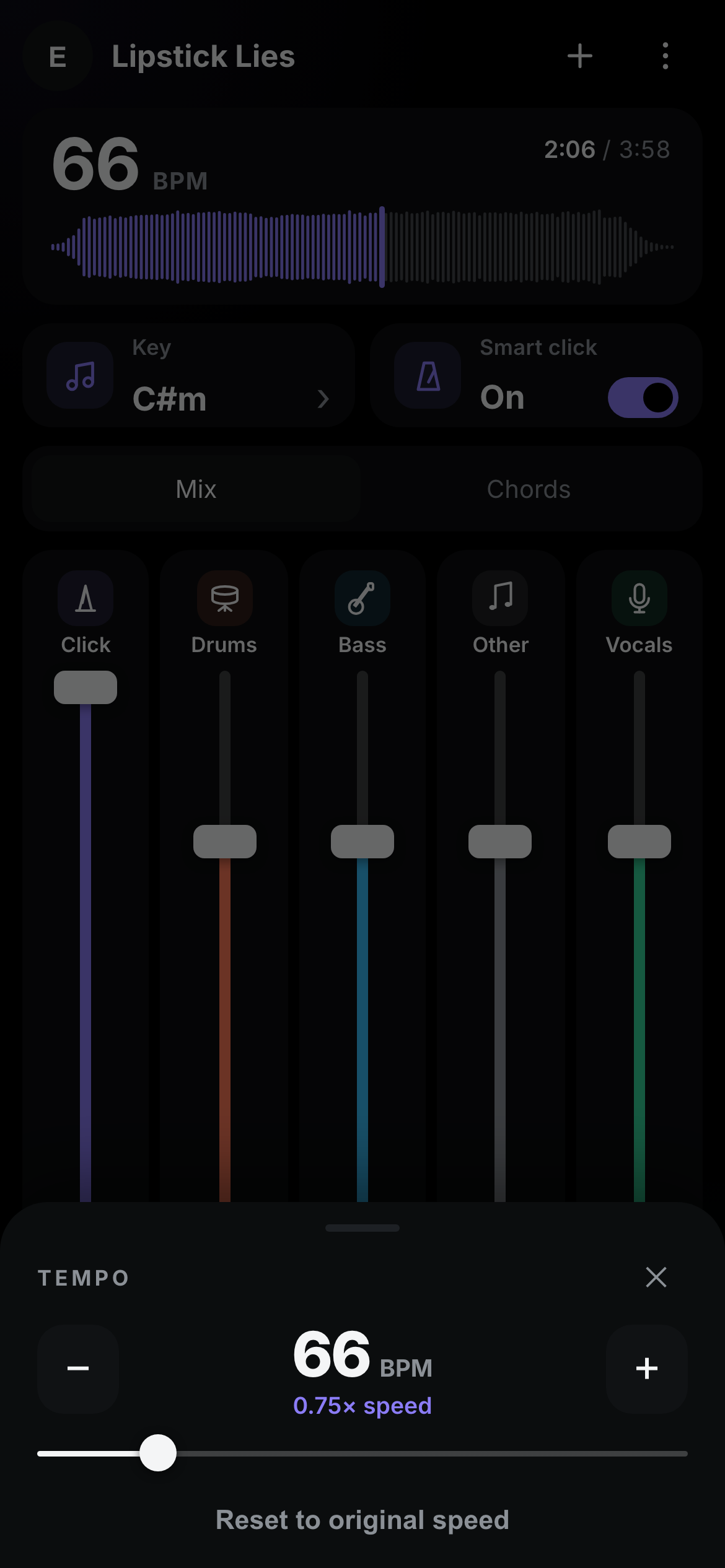
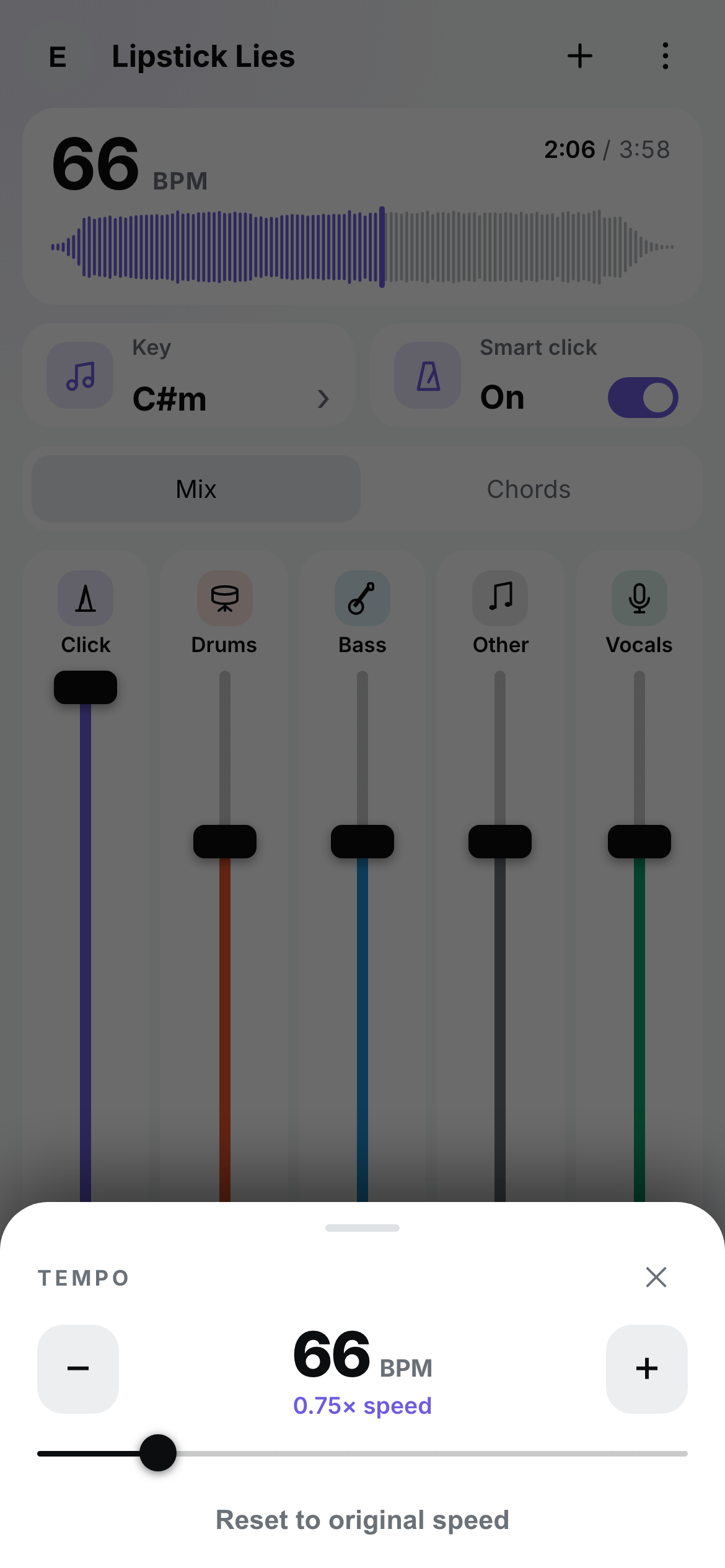
Practise a song like this
- 1
Pick the song together
The student uploads it in the app, so it is in their own Library.
- 2
Take their part out
Mute the stem they play.
- 3
Set a practice tempo
Lower the tempo to where the hardest bar is clean.
- 4
Add the click
Smart click on, so timing is part of the practice.
- 5
Record for the next lesson
A take over the song shows what happened during the week.
Try it on a song you know.
Also for: guitarists, bass players, drummers, singers, pianists and keys players, bands and worship teams