The real band, in your key.
Karaoke versions are often re-recordings, in the original key, missing the details you love about the record. soundleap gives you the real song without the voice, moved to the key you sing in, and lets you record yourself over it.
Singers
What gets in the way
- The original key doesn’t fit
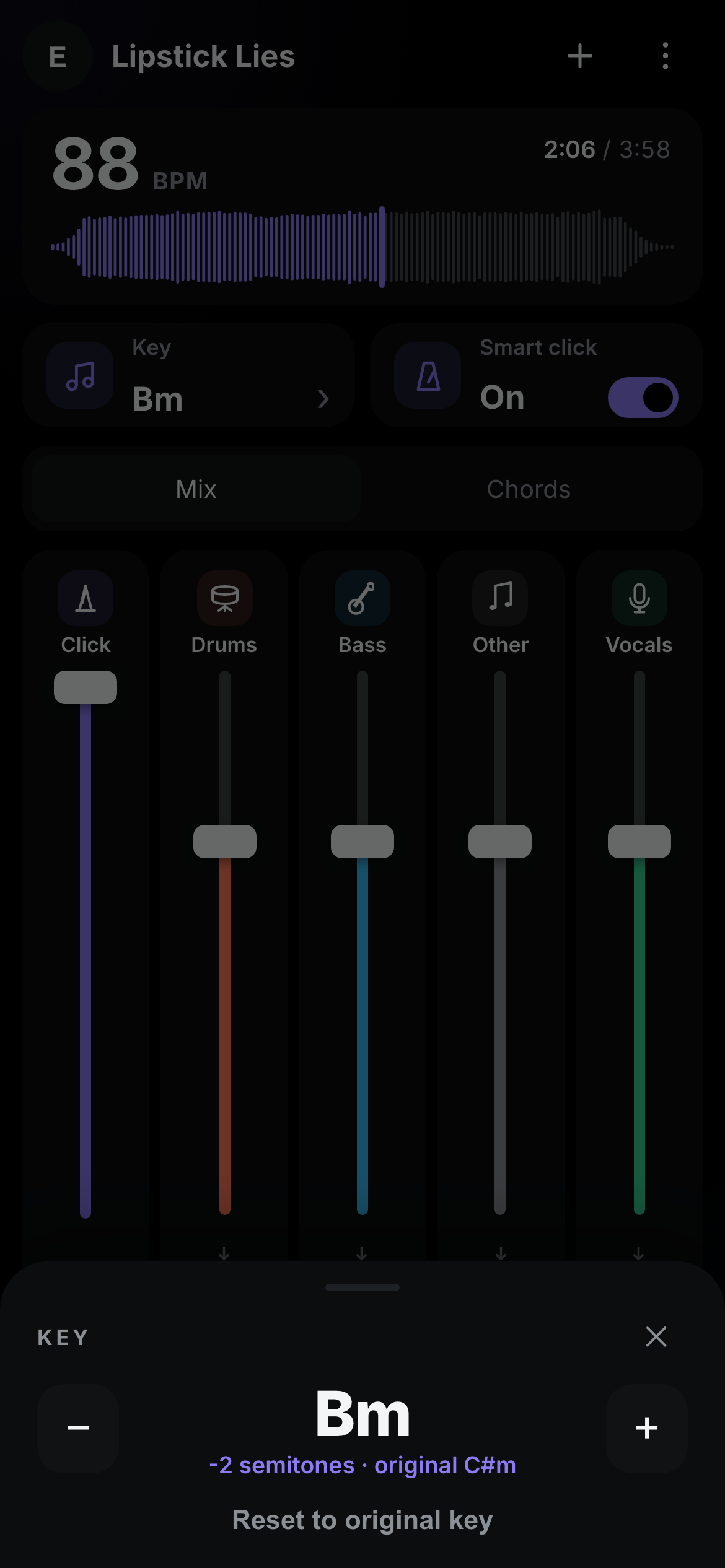
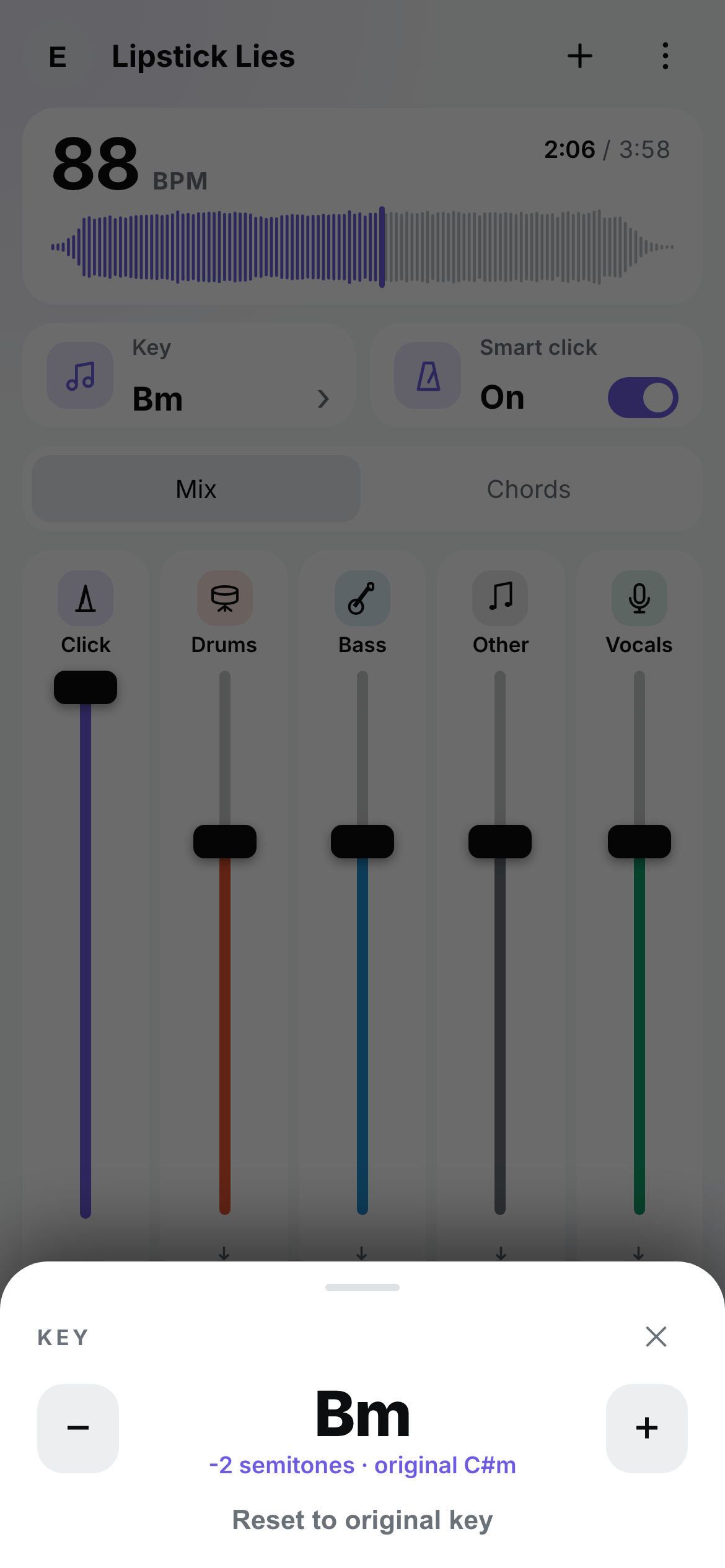
- Move the song up or down by semitones until it sits in your range. The speed does not change.
- You need the backing, not a cover
- Mute the vocals and the rest of the real recording plays on. Keep a little of the vocal in for guidance if you like.
- Hearing yourself back
- Record takes over the song and compare them, with the band and your voice on separate faders.
- Filming a cover
- Video takes record the camera while your voice is recorded over the song, with the chords (and, in the Android app, the lyrics) on screen.
The tools that help
- Stem separation
Vocals are their own part: mute them, or keep them quiet as a guide.
- Speed and key
Up to 12 semitones up or down; the key change keeps the tempo.
- Takes and video takes
Record your voice over the song, then film video takes with chords or lyrics as a prompter.
- Chords and key
Know the key you are singing in and where the chords move.
Practise a song like this
- 1
Load the song
Upload it in the app. Vocals, drums, bass and the rest come back as separate parts.
- 2
Find your key
Open Key and step down or up while you sing the chorus, until it sits comfortably.
- 3
Turn the vocal down
Mute Vocals, or leave it low as a guide while you learn the melody.
- 4
Record a take
Press record and sing over the song. Record again until you have the one you want.
- 5
Film it
Start a video take for a cover with the chords on screen. Free video takes are up to a minute, with a watermark.
Try it on a song you know.
Also for: guitarists, bass players, drummers, pianists and keys players, teachers and students, bands and worship teams