Everyone learns their part before rehearsal.
Rehearsal time goes further when each player arrives knowing their part. With soundleap every member can take their own instrument out of the reference recording, move it into the key the band plays it in, and practise against the rest of the band.
Bands and worship teams
What gets in the way
- The set is in different keys
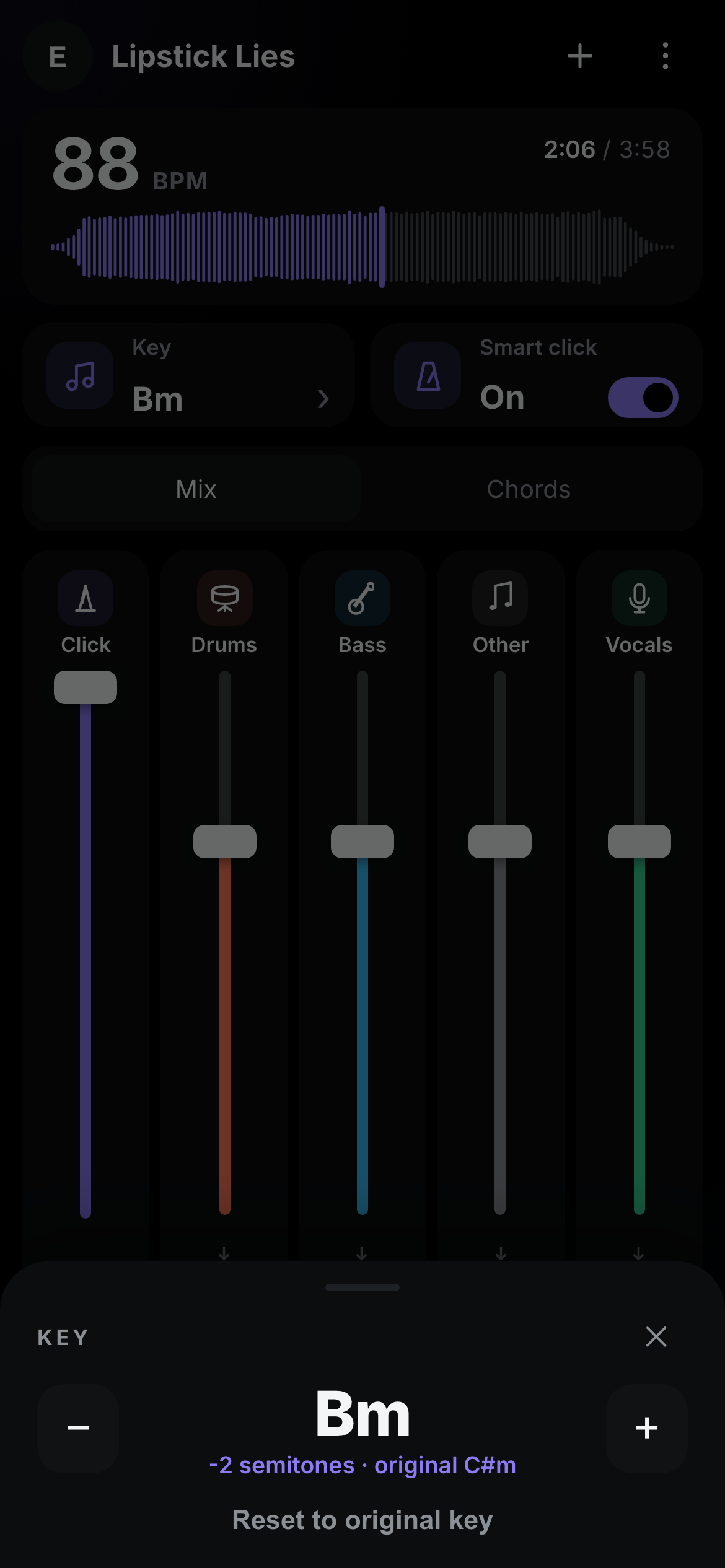
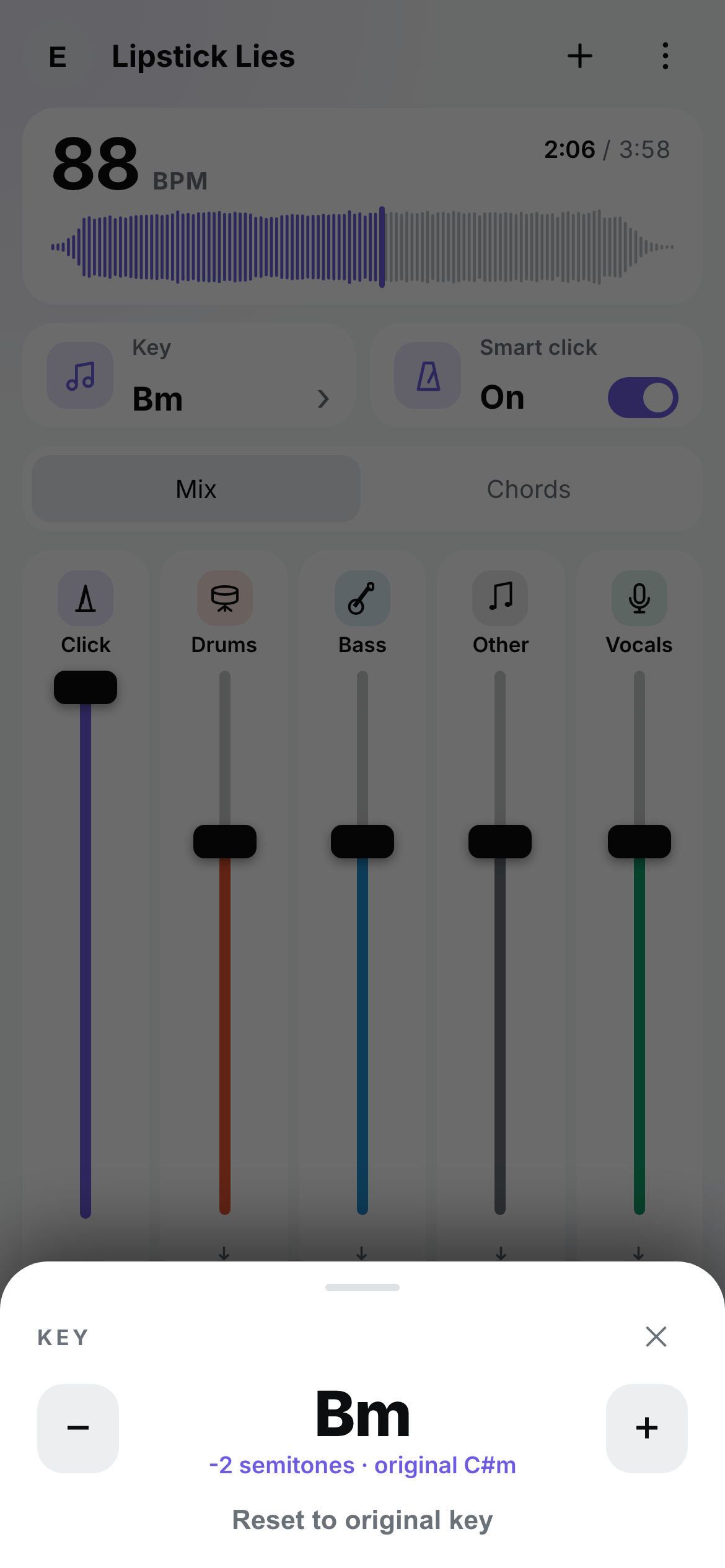
- Transpose a recording to the key your singer uses; the chord chart follows.
- Each player needs a different mix
- Everyone mutes their own part: the drummer the drums, the bass player the bass.
- Keeping the set in order
- Setlists in the Library keep your songs, and metronome tempos, in the order you play them.
- Chord charts don’t match the record
- The chart soundleap shows comes from the recording itself, beat by beat.
The tools that help
- Stem separation
Four parts, each with its own fader and mute.
- Chords and key
The song’s key and a chord per beat, renamed when you transpose.
- Speed and key
Move the reference into the key you play it in.
- Metronome
Count-ins and tempos; setlists keep the set in order.
Practise a song like this
- 1
Everyone loads the reference
Each player uploads the recording in their own app.
- 2
Match the band’s key
Transpose to the key on your set list.
- 3
Mute your own part
Practise against the rest of the band.
- 4
Follow the chart
Read the chords per beat; full screen works on a music stand.
- 5
Build the set
Add each song to a setlist (Add to setlist in the song’s menu) so the set is ready in order at rehearsal.
Try it on a song you know.
Also for: guitarists, bass players, drummers, singers, pianists and keys players, teachers and students